What You’ll Need to Get Started
An individual with admin access to your Shopify store must install the app. These instructions are intended for someone with those permissions.
Installing the App and Confirming the Needed Permissions
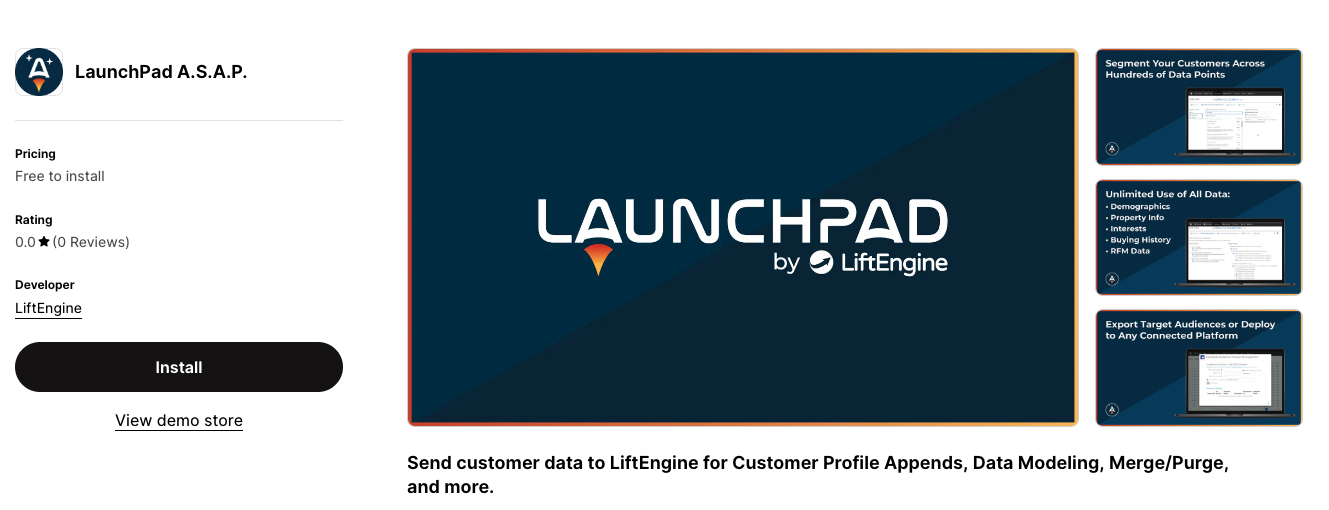
The app’s name is LaunchPad A.S.A.P. Click here to go to the LaunchPad ASAP app page in the Shopify store. The landing page should say “LaunchPad A.S.A.P.” on top, by LiftEngine.
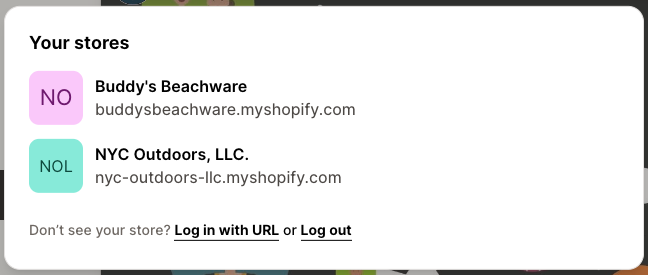
Depending on how many Shopify stores you have access to, you may see a pop-up asking you to select a store. Follow the instructions on the screen to select the appropriate store.
Once the appropriate store is selected, click the “Add app” button.

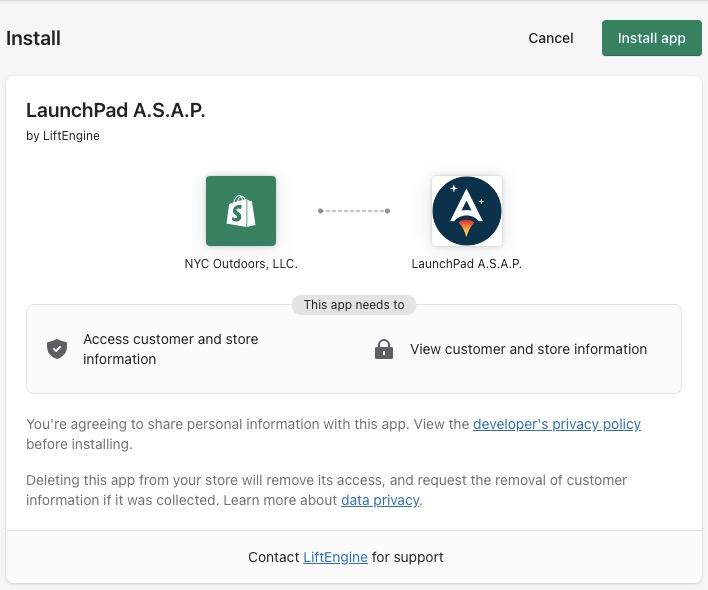
You will be directed back to the Shopify backend, where you can view the permissions needed for the app. Click the “Install app” button on the top right-hand side of the page.
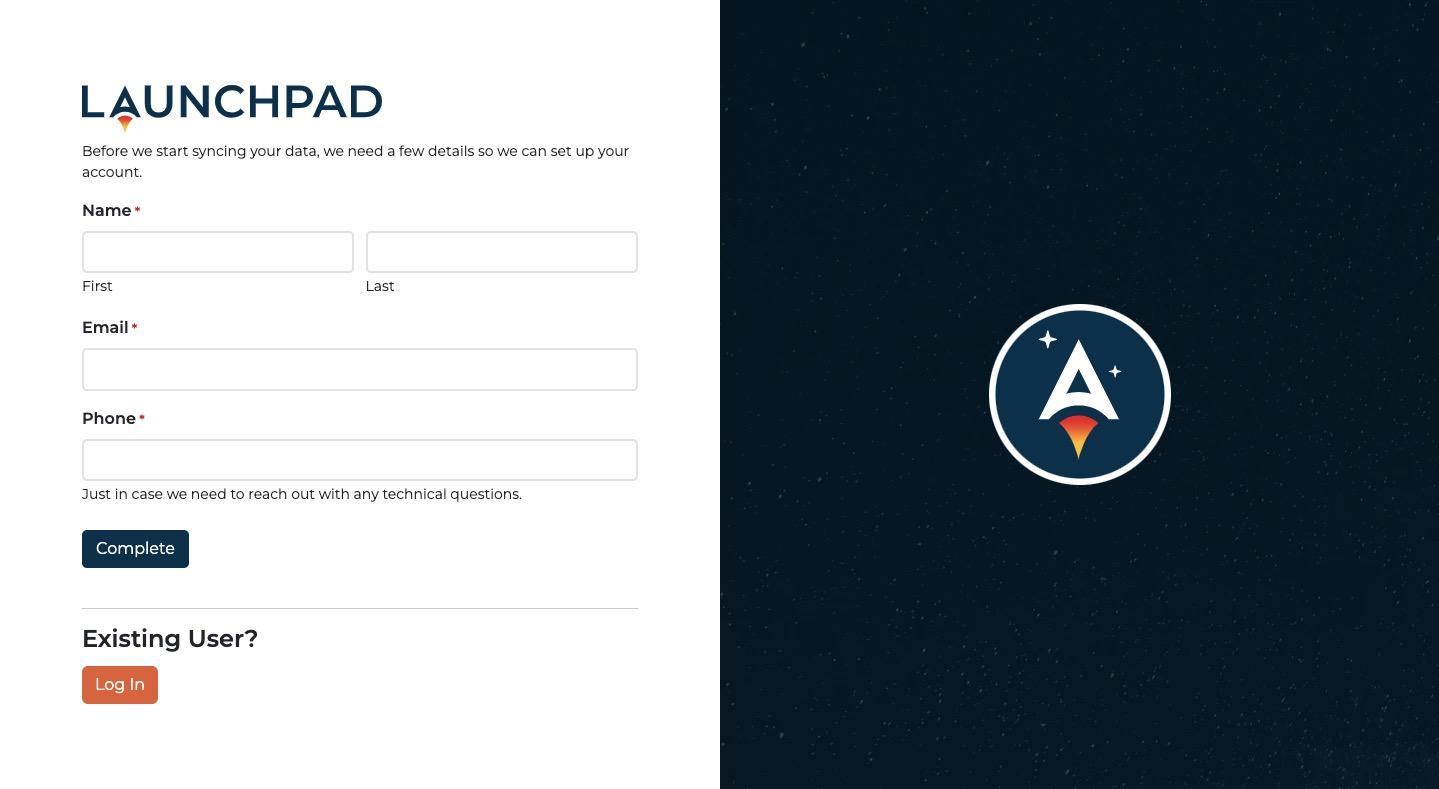
After successfully installing the app, Shopify will direct you to our onboarding screen. Please fill out this brief form and click “Complete.” This will notify our team to initiate the data sync while providing the technical contact’s information.